
Most print quality problems start with small build-ups that nobody noticed. A short weekly routine keeps your printer in shape.
1. Clean the caps and wiper
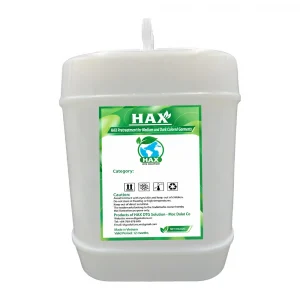
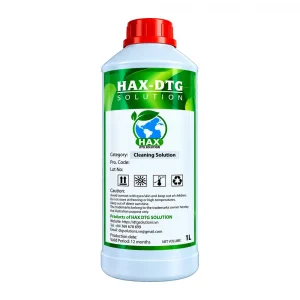
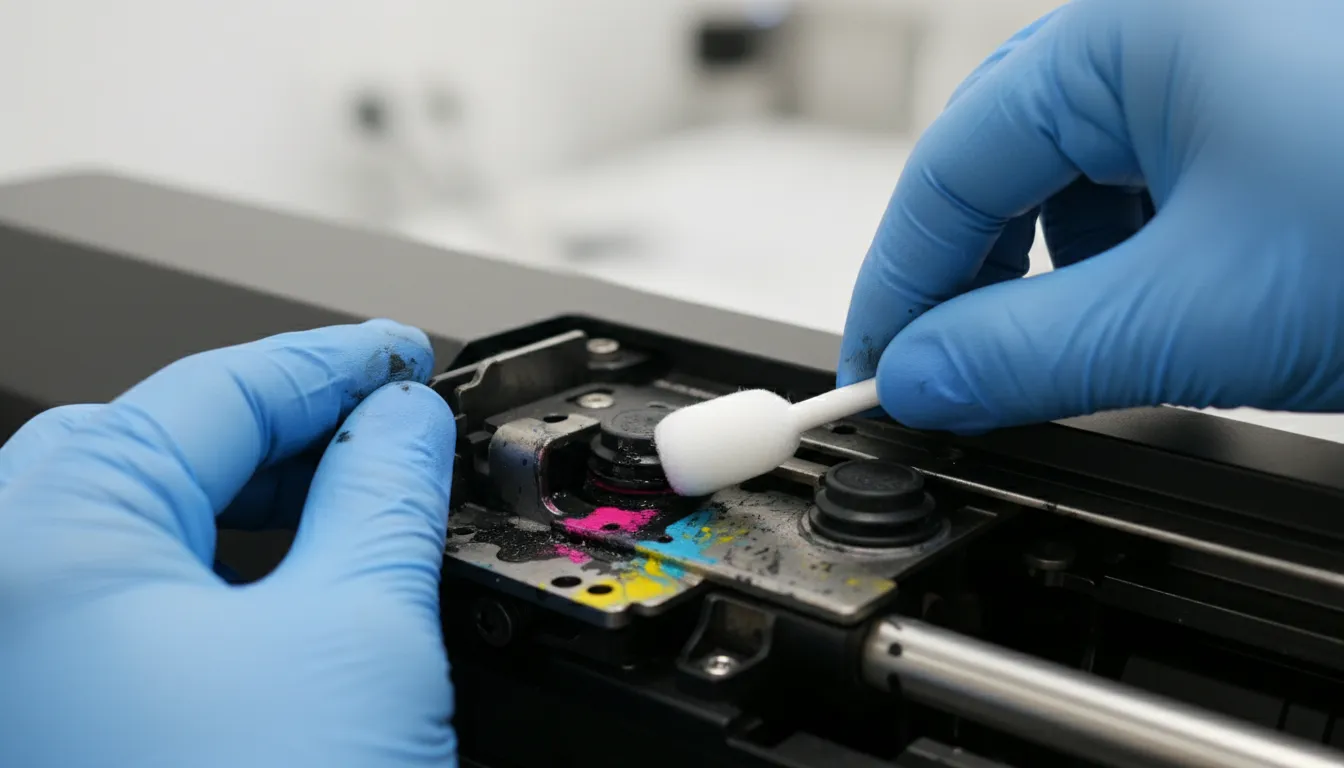
Use a foam swab wet with cleaning solution to remove ink from the capping station and the wiper blade. Use an angled cleaning stick for corners.
2. Check the filters
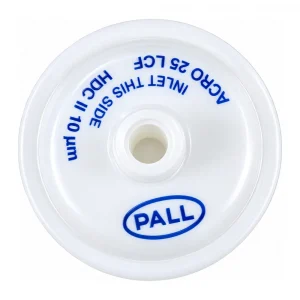
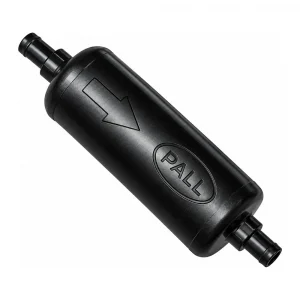
Look at the fan filter and replace it when it turns grey. Keep spare inline and WIMS filters on hand so they can be changed on schedule.
3. Replace the wiper cleaner sponge
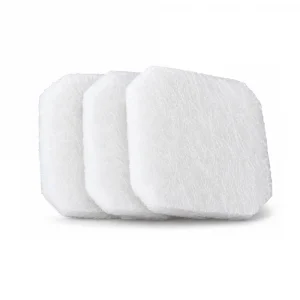
A saturated sponge smears ink back onto the head. Swap it out as soon as it stops absorbing.
4. Run a nozzle check
Finish with a nozzle check and keep the printout. Comparing checks week to week shows problems early.